Drafting release notes with AI agents when your org has multiple products, versions, and audiences

Using AI to draft quality release notes from Git commits or a work-tracking system (like Jira or Azure DevOps) seems simple. Can't you just point an agent at a sprint board or a Git repo and tell it to turn completed work into notes?
Unless you're lucky, the answer is no. Boundaries between products or features may not match boundaries between boards or teams. Engineers and PMs don't always cross-reference related work items or organize them in perfect epic → story/feature → task hierarchies. Code changes offer clues, but a diff shows how the code changed, not what the user experiences. Diffs also can't reliably surface critical details, like the value a change offers customers or workarounds for known issues.
Does that mean AI can't help? Also no! Here's how tech writers can get AI agents the information they need to automate release notes.
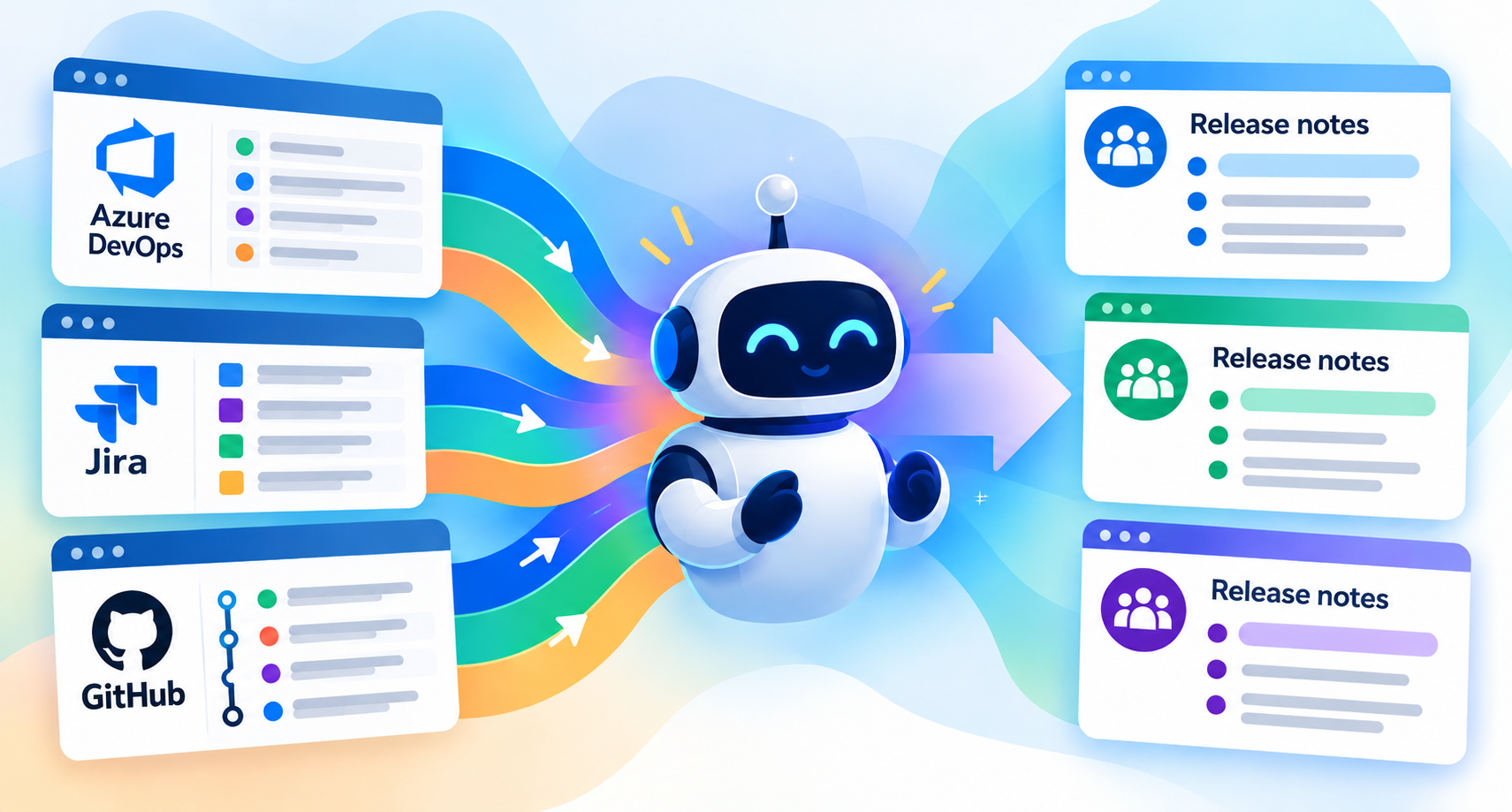
What the agent needs to know
To draft an accurate release note from tracked work, an AI agent needs information like:
For new or changed functionality
- Which products the functionality is added to
- Which versions the functionality applies to
- What was added or changed, and sometimes why
- How the change benefits the user
- Anything else the user needs to know, like if existing functionality is replaced or the new functionality must be enabled on the user's end
For fixed bugs
- Which products the bug affects
- Which versions included the fix
- What the problem was and how it affects users
- What was fixed
For known issues
- Which products the issue affects
- Which versions the issue applies to
- How the issue affects the user
- Any workarounds
How to collect the info
How does an agent get this information? That's where custom fields come in: specifically, custom fields that must be filled out before a work item can transition to a certain status.
Default fields
Text in a work item's title, description, acceptance criteria, and even comments help the agent draft the meat of each note. Other default fields help the agent decide which work items belong in a set of release notes in the first place. For example:
- Work item type: An epic or feature represents new or enhanced functionality. A bug represents a fixed or known issue.
- Status: Shows if work is in progress, in testing, paused, or complete. On its own, status doesn't say which release or product the work belongs to.
- Links to related work items: A feature linked to an epic gives the agent extra context about new functionality.
Depending on the work-tracking system you're using, default fields may also include ones like these:
- Version(s) affected
- Version(s) to fix
Custom fields
Default fields alone aren't enough. A work-tracking system admin can add custom fields like these to give the agent more context:
- User(s) affected:
User segment A,User segment B, etc. - Product(s) affected:
Product X,Product Y, etc. - Publish as release note:
trueorfalse
Depending on your setup, you might combine fields for simplicity. For example, an Audience field could merge product and user, with values like Product X - User segment A and Product Y - User segment B. If None is also an option, selecting any other value can substitute for the Publish as release note toggle.
It helps if the custom fields are multi-select for consistency, but they're hard to maintain when only busy admins can add values. This is especially true for version numbers, which are added often. If it's easier for team members to type versions into a text field, the agent can usually infer the intent even when the format varies (for example, 10.11.12 vs. v10.11.12 vs. v 10.11.12).
The transition requirement
Requiring the custom fields to be filled before a work item can transition to a certain status makes sure that the people with the right information remember to add it.
Why not make the fields required when the work item is created? Because the values usually aren't known yet. Actually, the later in the workflow PMs or engineers fill out the custom fields, the better. Values entered early may be wrong by release time if plans change.
Which status to gate depends on your release workflow. Questions to consider:
- When are work items moved to a complete status? Are all work items in a dev release marked complete at that point, or are some still in progress or in testing?
- When do you want the agent to draft the notes? If a dev release ships a week before the prod release, do you want the agent to draft notes from the dev release so you have a week to circulate them for approval? If so, how will you account for work added or removed from the release during that week? Will the agent compare the list of work items in the dev release against the list of work items in the prod release to flag notes to remove or add?
- How will you make sure values entered early are still correct? The gate only makes sure values are present, not accurate. Will you ask a PM or engineering lead to do a quick final review of the values?
How to inform the agent
In your agent's stored instructions, include examples of queries the agent can use to select work items to draft. Here are examples in Jira's JQL language.
New functionality:
fixVersion = "10.11.12" AND component = "Product X" AND "Audience" = "User segment A" AND issuetype in (Story, Bug) AND statusCategory = Done
Fixed bugs:
fixVersion = "10.11.12" AND component = "Product X" AND "Audience" = "User segment A" AND issuetype = Bug AND resolution = Fixed AND affectedVersion is not EMPTY
Known issues:
affectedVersion = "10.11.12" AND component = "Product X" AND "Audience" = "User segment A" AND issuetype = Bug AND (resolution is EMPTY OR fixVersion not in ("10.11.12"))
None of that logic is perfect. Other things to consider depending on your workflow:
- A bug that surfaces and is fixed during the release cycle was never experienced by customers and may not need to be in the release notes, yet this logic would pull them in. (Setting a field like Publish as release note to
falsewould prevent this.) - A bug that is fixed in one version may still be a known issue in another.
- Status names may be different between boards and mean different things, like
Closedvs.Completed.
Next steps
Helping the agent decide which notes to draft is the hard part. Next is the fun part: writing instructions for the agent on drafting the notes, adding safety warnings like stripping out customer names and internal details, and adding the human in the loop. I'll share tips that helped me another time.